The Setup
I was four hours into a 13-week cash flow recalibration for a commercial cleaning Subchapter V debtor. The model the debtor had filed at the first-day hearing used the standard off-the-shelf collection curve — 98% collectibility, 50-30-10-10 over four weeks — and I was rebuilding it against the empirical bank register. Standard Tuesday afternoon work.
The CEO was on the line. His plan had been filed ten days earlier. DIP covenants were tight, the UST's first operating report review was coming up, and he wanted to know whether his filed budget was realistic or whether we needed to warn counsel about a revision.
I pulled the A/R Aging Summary from QuickBooks. I computed DSO.
DSO = A/R / (monthly revenue / 30)
    = $1,000,000 / ($430,000 / 30)
    ≈ 70 days
70 days on a Net 30 book. That is well over double contract terms. For a healthy commercial services business, it would be startling. For a Subchapter V debtor whose filed plan assumed trailing-average collection behavior, it was a catastrophe — a 25% revenue haircut minimum, probably more, and a very uncomfortable call with debtor's counsel before the next hearing.
I started drafting the email in my head. "We need to talk about the revenue assumption. The numbers don't line up with the filed plan." I opened the spreadsheet to prepare the before-and-after table.
And then the CEO, who had been on mute listening, cut in.
"Wait. Our A/R is $500k. Where are you getting $1M?"
The Two-Minute Diagnosis
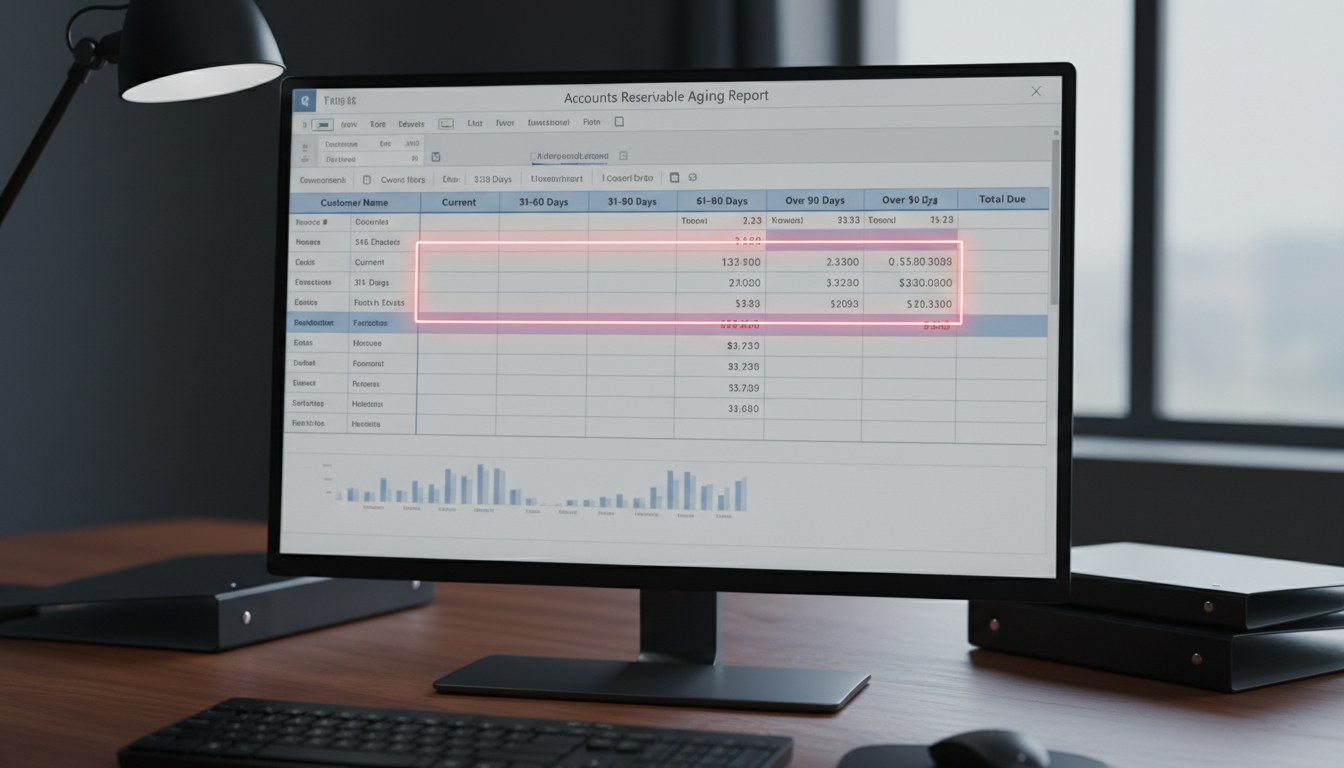
I went back to the QuickBooks export. The report looked like this, simplified and anonymized:
| Customer | CURRENT | 1-30 | 31-60 | 61-90 | 91+ | Total |
|---|---|---|---|---|---|---|
| Customer A | 70,000 | 0 | 500 | 0 | 0 | 70,500 |
| Customer B | 67,000 | 0 | 0 | 0 | 0 | 67,000 |
| Customer C | 47,000 | 900 | 0 | 0 | 0 | 47,900 |
| Customer D | 41,000 | 0 | 0 | 0 | 0 | 41,000 |
| ... | ... | ... | ... | ... | ... | ... |
| Customer U | 14,000 | 0 | 0 | 0 | 0 | 14,000 |
| TOTAL | 460,000 | 10,000 | 15,000 | 1,000 | 14,000 | 500,000 |
That is the standard QuickBooks A/R Aging Summary layout. Customer rows on top, a bold "TOTAL" row at the bottom that already sums the customer rows.
When I pasted the report into my working sheet and ran the DSO formula, I had referenced a range that included both the individual customer rows and the TOTAL row. The range B5:G26 summed to roughly $1,000,000 — because $500,000 of customer rows plus $500,000 of the bold total row equals, of course, $1,000,000.
In other words, my DSO wasn't 70 days. The denominator was correct. I had doubled the numerator by counting the total row as if it were just another customer.
Real DSO = $500,000 / ($430,000 / 30)
         ≈ 34.9 days
35 days. Net 30 plus five days of slippage. Exactly the empirical DSO the bank register was suggesting all along. Exactly the kind of healthy collection cycle a well-run SMB services debtor should have.
The fix was deleting one row from my reference range. Total time from CEO's interruption to corrected number: about 90 seconds.
If he hadn't been on the line, I would have sent the "we need to slash revenue 25%" email.
Why This Trap Exists
This is not a QuickBooks bug. It is also not a Xero bug, or a Sage bug, or an Intacct bug. It is how every double-entry accounting system has presented aging summaries since the 1970s: customer rows with a total row at the bottom. That is what a human reader wants — a scannable list with a running sum.
But a human reader is not the same as a spreadsheet paste operation. When I Ctrl+A, Ctrl+C, Ctrl+V an A/R Aging Summary into Excel, I get:
- 21 customer rows with dollar amounts
- 1 total row with dollar amounts
- Some header rows with text
And if my formula references the first column of numbers through the last column of numbers — which is the natural, intuitive range I would draw in Excel — the total row is inside that range. The numbers sum cleanly. The check-figure looks right. Everything looks normal until the number is a red alarm about the business.
The trap is that the total row has the same data type and formatting as the customer rows. There is no warning sign unless you are specifically looking for one. The report does not highlight the total differently enough to break the spreadsheet paste pattern. And most of us have pasted hundreds of these reports and never hit the trap because most of the time the resulting DSO is "about what we expected" — which is the worst possible feedback loop for a silent error. You only catch the double-count when the answer is implausibly bad.
Why It Is Especially Dangerous in Chapter 11
Outside of bankruptcy, getting DSO wrong by a factor of two is embarrassing. You correct it, you move on, no one dies. Inside Chapter 11, the downstream consequences are severe:
1. The 13-week cash flow forecast collapses. If you model the CURRENT bucket curve against a 70-day DSO when the real number is 35, you will push half your forecast inflow from weeks 2–4 into weeks 7–11. The model will show a liquidity trough in the middle of the forecast that does not exist in reality, and you will either draw DIP unnecessarily or panic counsel into a cash collateral motion that the estate does not need.
2. The UST variance report gets fiction in it. The MOR's narrative explanation for cash flow variances is supposed to describe reality. If your forecast was based on doubled A/R, the actuals will consistently outperform the forecast by 100% in the inflow line, and you will have to invent explanations for why the forecast was wrong — explanations that are not true and that an observant UST analyst will eventually notice.
3. Plan feasibility gets questioned on bad evidence. Imagine testifying at a confirmation hearing that your plan is feasible based on a DSO assumption, and the creditors' committee's expert points out that the source aging report sums to half of what your model used. You are now in a cross-examination where you have to explain why your numerator was double. Nothing about that conversation goes well for the debtor.
4. The DIP lender will notice. Weekly borrowing base certificates that reference A/R are particularly sensitive to double-counting. An overstated A/R balance on the BBC is not just an error — depending on the DIP credit agreement's representations and warranties, it can be a technical default.
In short, a 90-second paste error in Chapter 11 is a load-bearing mistake. You want zero of these.
The Validation Checklist I Use Now
Here is the checklist I now run every time I pull an A/R aging summary into a model. It takes under a minute once you have done it a few times.
Validation 1 — The horizontal check. For every row in your pasted range, verify that the bucket columns sum to the total column. A broken horizontal sum on any row is a paste-formatting error. On the TOTAL row it means the total is not a formula but a hard-coded number (which is fine but worth noting).
Validation 2 — The vertical check. Sum the customer rows yourself, in a fresh cell, and compare to the total row. If they match, you have a total row and you must not include it in any range that also touches the customer rows. If they do not match (off by a rounding penny is fine, off by anything else is a sign), investigate before trusting either number.
Validation 3 — The row-count check. Count rows. A legitimate A/R aging summary with N customers has N+1 rows of numbers, not 2N. If your Excel paste shows 42 rows when the CEO says there are 21 customers, something is duplicated.
Validation 4 — The DSO sanity check. Calculate DSO = A/R / (monthly revenue / 30). Compare to the payment terms. Net 30 customers should produce 28–48 days; Net 45 should produce 42–62; Net 60 should produce 55–80. Anything wildly outside that window is worth a second look before you do anything with it.
Validation 5 — The bank register reconcile. Sum the trailing 13 weeks of customer deposits on the bank register. Divide by 13. Compare to the implied weekly run-rate from your A/R forecast (weekly steady-state). The two should be within 10–15% of each other. If they are not, either the A/R is wrong or the curve is wrong — and it is almost always the A/R.
Validation 6 — The second pair of eyes. On anything with Chapter 11 consequences, have someone who does not live inside your spreadsheet look at the top-line number and the implied DSO before you act on it. The CEO caught me. He was not a CFO; he just knew his own A/R. That was enough.
A single-pass cross-check against any one of these six would have caught my double-count in under 60 seconds. I failed to run any of them because the first number I saw — $1M total A/R — looked like a normal number for a business that size. Plausibility is not validation.
The Export Pattern That Prevents This Entirely
If you want to bypass the total-row problem at the source, the cleanest fix is to export the A/R aging as a detail report rather than a summary report. In QuickBooks Online, run "A/R Aging Detail" rather than "A/R Aging Summary". In Xero, the equivalent is the aged receivables detailed export. In either case you get one row per invoice, no total row, and no subtotal rows. Sum whatever you want, and you can never double-count because there are no duplicate rollups.
The detail export is also more useful for customer-level analysis (though I still wouldn't use it for a customer-level cash flow curve — see my other post on why that is overengineering for most Subchapter V cases). The only cost is that detail reports are a bit larger and require a quick pivot to collapse back to bucket totals. That is a fair trade for a silent error that can cost a 25% forecast haircut.
The Two Lessons
Two lessons from this.
First, plausibility is not validation. The $1M number looked wrong-ish but not impossible. A wrong-ish plausible number is the single most dangerous kind of error in a financial model because it passes casual review. Validation has to be affirmative: "I checked X and confirmed Y", not "I looked at it and it seemed OK."
Second, the CEO caught me because he knew his own A/R. The most valuable reviewer of a financial model is not the person who built it. It is the person who has to live with the business that it describes. I now make a point, before acting on any materially negative number in a Chapter 11 model, to read the number out loud to the debtor's CEO or controller in plain English — "I'm seeing total A/R of $1M, does that match your gut?" — and listen for the pause. If they pause, the number is wrong.
Fifteen years of restructuring work, and the mistake that almost cost a debtor a 25% revenue revision was a spreadsheet range that included one row too many. Humbling is the only word for it.
Your Next Step
Open the last 13-week cash flow model you built that pulled A/R from an accounting system export. Verify, by running the checklist above:
- Row count = N+1 for N customers.
- Vertical sum of customer rows = total row.
- DSO is in a plausible range for the payment terms.
- Implied steady-state weekly inflow is within 15% of the trailing 13-week bank register.
If any of those fail, you have a double-count or a different aging pathology. Fix before the next MOR cycle.
For a calibrated 13-week cash flow template with the A/R Aging Input tab built to refuse a pasted total row (and a README that walks through the whole calibration method), use the email form below and the advanced edition will be in your inbox in a minute. Prefer a direct hand-off? Send a request to [email protected].